

I’ve tested dozens of digital planners so you don’t have to wrestle with torn graph paper. For free year-round journaling, VegPlotter handles my irregular plot dimensions and nudges me about frost dates without costing a penny. When I’m designing curved crescent beds around my patio, GrowVeg’s $35 annual fee provides precise plant placement and harvest windows. For weekly task lists, Smart Gardener builds custom timelines from your ZIP code. Quick square-foot layouts on a phone work well with Planter at $3.99, though the app lacks rotation reminders. Each tool fits a different gardening approach, depending on your specific needs and preferences.
Free vs. Paid: What Raised Bed Planners Actually Deliver
Choosing a raised bed planner can feel like standing in front of a giant seed display at the garden center. Too many options exist, and you’re not sure where to start.
Free tools like VegPlotter give you custom measurements, drag-and-drop layouts, and month-by-month schedules. These provide solid garden planning without spending a dime. Paid options like Grow Veg ($35/year) add curved beds and square-foot precision. Smart Gardener includes climate data and weekly tasks.
The free versions handle basics effectively. You can draw beds, track progress, and plan seasons. Paying unlocks deeper plant data and more sophisticated layouts. For most gardeners starting out, free covers the essentials. Upgrade when your garden grows in complexity and you need more advanced features.


Size: Accessories for 2 complete garden beds in one box!!! 72"(L) x 36"(W) x 12"(H), growing area of this garden bed perfect for an array of vegetables, herbs, and flowers in your yard
VegPlotter: Best Free Raised Bed Planner for Year-Round Journals
Why start with a blank notebook when VegPlotter gives you digital pages that never smudge in the rain. I discovered this free tool after ruining my third soggy journal, and now I track everything without weather damage.
VegPlotter lets me drag and drop beds, paths, and trellises onto a grid sized to my exact plot dimensions. No guesswork, no approximations. The journal section is where the tool excels: I snap photos of my tomatoes’ progress and note which squash varieties thrived. It remembers my local frost dates automatically, nudging me when it’s time to sow peas or harvest carrots.
The free version handles my core needs beautifully, though I upgraded to the $30 annual plan for deeper journaling features. Year after year, my garden story builds as an organized, searchable record that stays completely dry.


HELPING YOU GARDEN BETTER: Get ready for a huge harvest from your vegetable garden! Inspired by the Square Foot Gardening method, our patented seed-spacing template is fun for all ages and experience levels.

GrowVeg: Top Raised Bed Planner for Curved Bed Designs
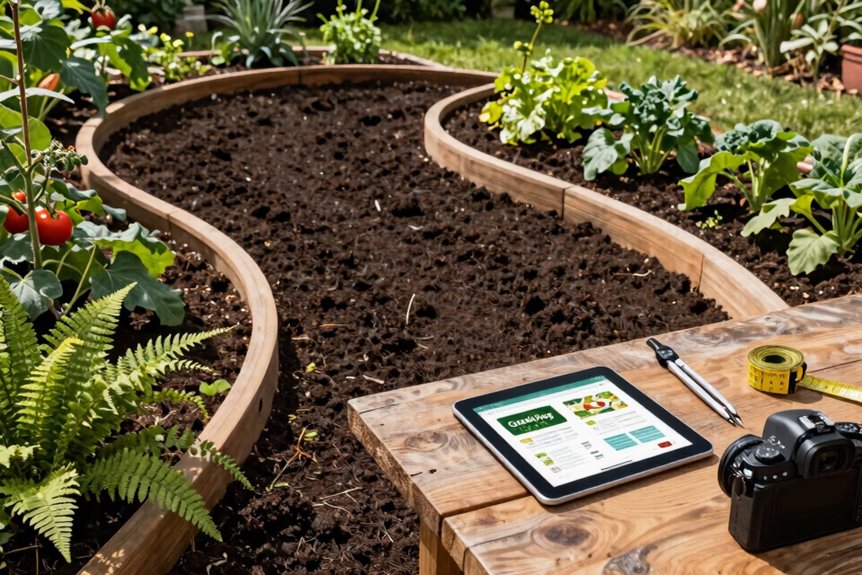
Three curved beds transformed my cramped backyard into something that actually looks designed, not dumped there. I used GrowVeg Garden Planner to map them out, and its curved bed tools made the whole process feel doable, not daunting.
The interface snaps together quickly. I dragged crescent-shaped raised beds around my space, dropped in tomatoes and kale, and watched the planner calculate exactly how many plants fit. No more guessing and overcrowding.
GrowVeg runs about $35 yearly after a seven-day free trial. For that, I get precise sowing dates, transplant reminders, and harvest windows tailored to my setup. It even nudges me about light and water needs.
If your raised beds bend and flow rather than march in straight lines, this planner delivers the curved bed design features you need.


Smart Gardener: Best Raised Bed Planner for Weekly Tasks
GrowVeg handled my curved beds beautifully, but tracking weekly tasks required a different approach. Smart Gardener fills that gap.
Smart Gardener fills the gap when curved bed design isn’t enough—you need weekly task tracking that actually keeps up with your garden.
I plug in my zip code, and Smart Gardener pulls local frost dates and climate data. The result is a custom timeline showing exactly when to start tomato seeds indoors, when to transplant peppers, and when to direct-sow carrots outside. This eliminates guesswork and prevents missed planting windows.
The weekly task lists function like having a knowledgeable gardener monitoring your progress. Smart Gardener also builds a virtual layout using companion planting and crop rotation rules, keeping raised beds organized and productive.
The tool syncs with actual seed packet instructions. The mobile version performs adequately, though searching for specific vegetables could be more intuitive. For structured weekly guidance, Smart Gardener provides reliable direction without creating information overload.

Complete Garden Planner Journal and Log Book – This gardening planner helps gardeners plan layouts, record seeds and plants, track care routines, log harvests, and review each growing season in one organized garden planner and log book


Planter: Simplest Raised Bed Planner for Square-Foot Spacing
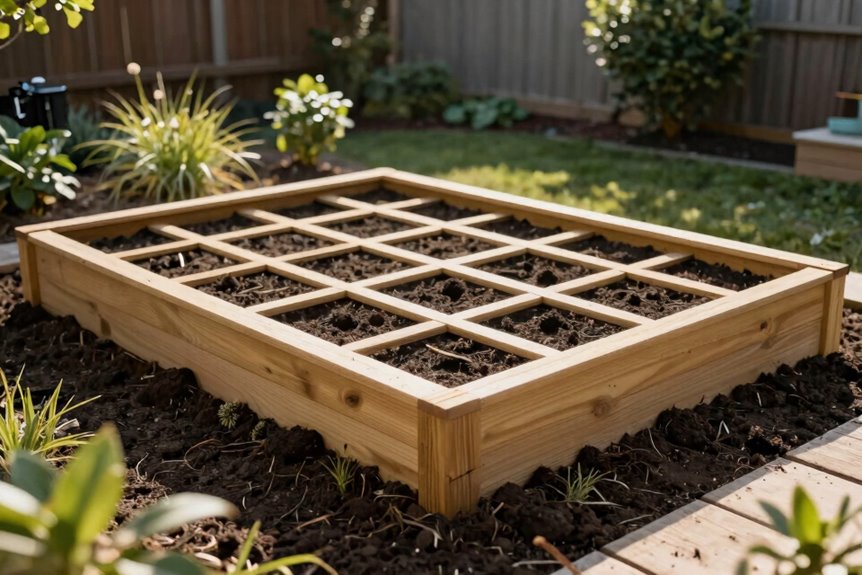
I love how Planter lets me drag and drop plants into my raised bed like I’m arranging stickers, and the square-foot spacing method keeps everything tidy. One tomato plant takes up four whole squares, so there’s no guesswork. The visual layout shows my beds and walkways in crisp detail, which means I won’t accidentally box myself into a corner and have to climb over my lettuce to reach my peppers. If you’re new to raised beds and want a tool that handles the math without making your head spin, this one provides the functionality you need.


- Enter real bed sizes in feet/inches or metric units.

Square-Foot Spacing Method
Why fumble with graph paper and smudged sketches when a drag-and-drop grid can map your garden in minutes? I discovered square-foot gardening through Planter, and it changed everything. Instead of guessing how many tomato plants fit in a row, I snap one plant per square at exactly twelve inches apart right onto my screen.
The tool shows me which squares crave full sun and which ones tolerate frost, so I’m not gambling with my seedlings. I can see my raised bed grids and walkways clearly without squinting at coffee-stained notes. Planter provides harvesting dates as I click, turning abstract planning into concrete timelines. Whether I grab a template or build my own grid, I can plant with a clear layout rather than confusion.
Visual Drag-and-Drop Design
When I’m staring at an empty backyard, my brain freezes until I open Planter and start dragging. This drag-and-drop design tool feels like arranging furniture in a cozy room, except I’m placing tomatoes and peppers instead of sofas.
I drag a 4×4 bed into my layout, then drop plants into square-foot grids. Planter shows me exactly how many squares each vegetable needs: tomatoes claim four squares, lettuce needs just one. I see sun requirements and watering needs pop up instantly, so I don’t accidentally fry my shade-loving spinach.
The visual spacing helps me catch mistakes before I dig. I spot overcrowding immediately when squares turn crowded red. The tool lacks planting calendar and rotation features, but for quick, confident layouts, Planter eliminates guesswork through visual feedback.
Veggie Garden Planter: Best Mobile Raised Bed Planner
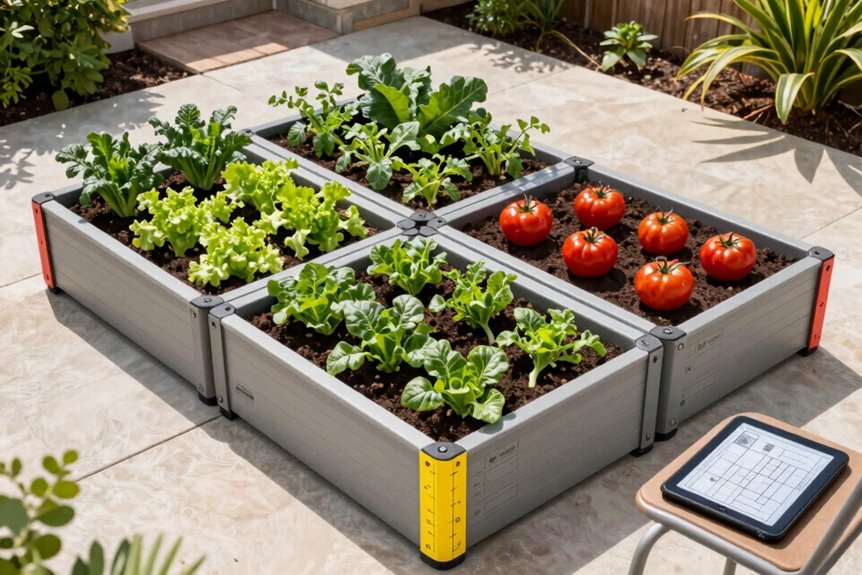
I love how Veggie Garden Planter fits right in my pocket, letting me drag and drop tomatoes and peppers onto my raised bed while I’m actually standing in my backyard. The app shows me which plants get along as neighbors, so I don’t accidentally pair feuding vegetables together like a bad roommate situation. It’s not perfect; the calendar guesses a bit on timing. For quick planning on the go, this mobile-first tool keeps my garden brain organized without weighing me down.


WATER EVERY PLANT, NOT JUST SOME: Each of the 24 squares delivers 16 streams for even, soil-level irrigation at every plant. This plant watering system prevents dry spots and removes the guesswork of laying drip line & positioning emitters.
Mobile-First Design Philosophy
How do you sketch a garden plan while crouched beside an actual raised bed, dirt on your knees? You pull out your phone.
I use Veggie Garden Planter because it’s built for this exact moment. The mobile interface fits my thumb, not a mouse. I drag tomato icons into my 4×8 bed while standing in the actual dirt. No laptop balancing act required.
The free version lets me test basic layouts, but I upgraded for the full vegetable library. The calendar makes estimates on specific varieties, but I adjust. That’s gardening anyway; we adapt.
Compared to desktop planners, this functions like a conversation with a knowledgeable gardener who lives in my pocket. Mobile-first design means I’m planning where I actually grow.
Drag-and-Drop Bed Builder
Drag a tomato icon into your 4×8 bed and watch it snap into place. Veggie Garden Planter’s drag-and-drop builder works constantly while you’re wandering your actual garden.
The interface feels like arranging stickers. Simple, satisfying, immediate. Drag peppers beside basil, scoot carrots over an inch, and the whole bed takes shape in your palm. Sun requirements glow beneath each vegetable. Water needs appear as gentle droplets. Build your “My Veggies” list like a personal seed catalog, then drop favorites into raised beds of any dimension.
The free version limits your vegetable palette. Upgrading is worth the cost. The probabilistic calendar keeps scheduling loose; no rigid dates, just smart windows.
This drag-and-drop system is portable, visual, and intuitive. It belongs in your pocket.
Companion Planting Guidance
Where do you tuck your tomatoes so they actually thrive? Veggie Garden Planter’s companion planting guidance helps me figure that out.
This handy app lets me build “My Veggies,” a personal list of crops I actually grow. Each plant profile shows good neighbors, like pairing tomatoes with basil, which smells amazing and may help keep pests confused. I drag and drop veggies onto my raised bed grid, spacing them with real intention.
What works for me:
- Check which plants buddy up before I buy seeds
- Avoid bad pairings that stunt growth or attract bugs
- Visualize my whole bed so nothing crowds out its friends
- Use the calendar to time plantings together
The full app costs about $3.99. My zucchini finally flourished beside its compatriots, which made the investment worthwhile.
Which Raised Bed Planner Fits Your Garden Style?
| Your Style | Best Planner |
|---|---|
| Visual dreamer who sketches ideas | Gardenas My Garden Studio |
| Data-driven scheduler craving structure | VegPlotter |
| Hands-on phone user | Veggie Garden Planter |
| Detail-oriented raised beds specialist | Grow Veg Garden Planner |
Grow Veg Garden Planner is purpose-built for raised beds with square-foot grids that integrate seamlessly. VegPlotter provides monthly guidance throughout the growing season. Planter’s sun and frost notes protect tomatoes from timing errors, though it lacks scheduling features. Veggie Garden Planter costs $3.99 and functions as a pocket-sized tool.


Measure First: Size Your Space for Any Raised Bed Planner
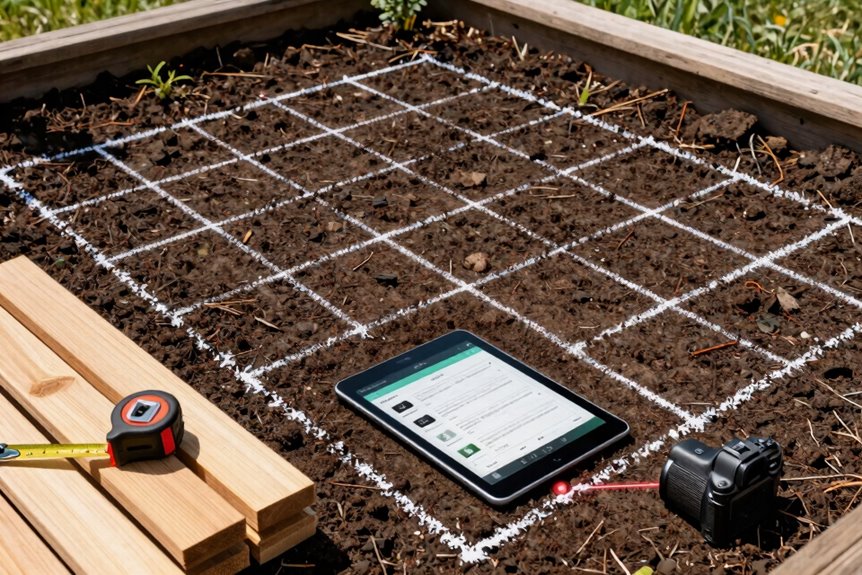
Now that I’ve picked my planner, I’m ready to stop dreaming and start doing, but I can’t draw a single bed until I know what I’m working with.
I grab a 30-meter tape for accurate raised beds sizing. One big step equals roughly a meter when I’m estimating quickly. I measure the perimeter first, then lock onto fixed anchors: house corners, fence posts, that wonky shed. This grounds my layout in reality.
What keeps me organized:
- Walk the perimeter and mark your anchors so nothing shifts
- Track shadows all day; winter sun sits lower and hungrier
- Spot your water source now, not when you’re hauling hoses
- Sketch a scale map or fire up VegPlotter to drag beds around
Precision now prevents costly mistakes later.

WATER EVERY PLANT, NOT JUST SOME: Each of the 18 planting squares delivers 16 streams for even, soil-level irrigation at every plant. This vegetable garden watering system prevents dry spots & removes the guesswork of laying drip line & emitters.

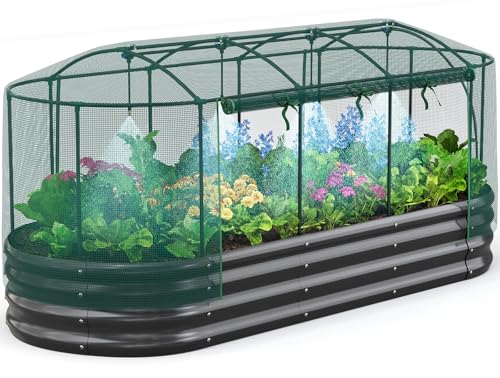
【Self-watering System for Easy Planting】The irrigation kit makes planting easier and more efficient. The misting system can produce water mist, which absorbs the heat in hot summer and provides a cooling down outdoor area for plants while photosynthesis. Also, it can cover a larger area than traditional watering, increasing humidity effectiveness, give a uniform water volume for plant watering in the garden bed.
Quick Setup: Build Your Layout From First Click to Final Plan
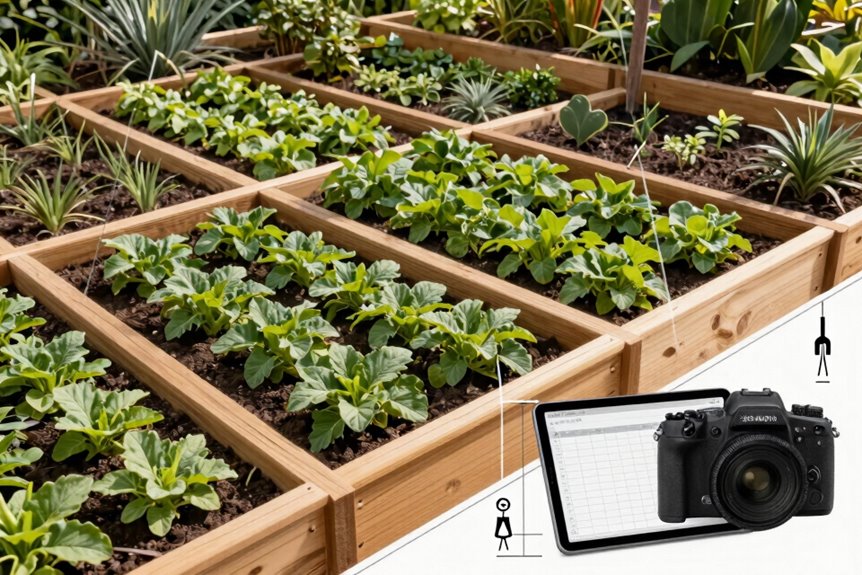
How do you turn a blank screen into a garden you can actually build. I grab VegPlotter and start dragging beds, paths, and structures onto my canvas without overthinking. Within minutes, I’m testing different layouts, moving things around like furniture in a room until it feels right.
Start from fixed points first. I plop down house corners, fence posts, sheds; the immovable stuff. Then I keep bed widths under 1.2 meters so I can reach everything without doing the awkward stretch-and-grab dance. VegPlotter’s custom measurements let me plug in wonky garden dimensions too. Irregular beds work just fine. I refine across sessions, tweaking paths and shapes, then generate the month-by-month planting calendar. From first click to final plan, I’m building something real, something ours.


Common Raised Bed Planner Mistakes Beginners Make
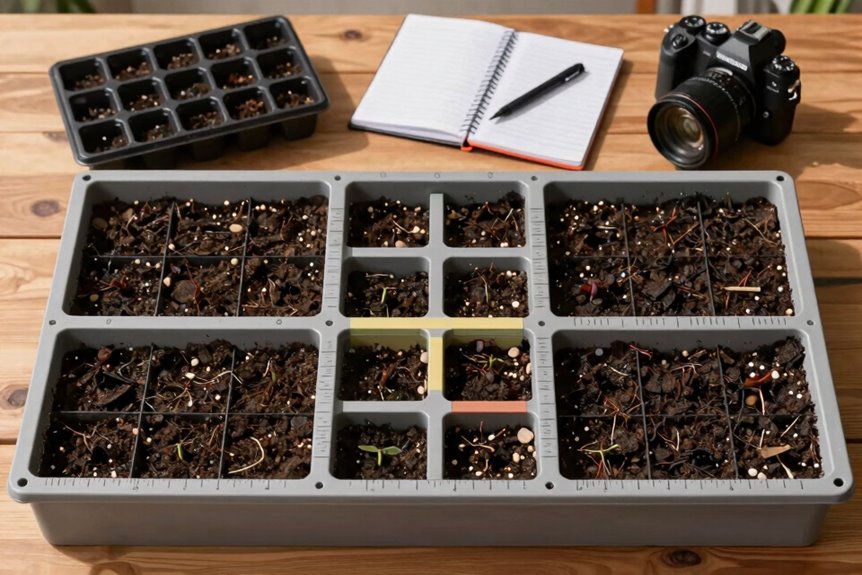
Why do our first garden plans look so perfect on screen yet fall apart so fast in the dirt? I’ve watched plenty of eager gardeners, myself included, trip over these classic blunders when square foot garden planning:
Our garden plans look flawless on screen, yet crumble the moment they meet real soil and sunlight.
- Building beds too wide – I limit mine to 1.2 meters so I never awkwardly lunge or compact soil by stepping in.
- Ignoring the sun’s path – Tall trellises cast sneaky afternoon shadows that starve neighbor beds of light.
- Forgetting water access – Hauling heavy cans across the yard gets old fast; I plan hoses and drainage first now.
- Skipping rotation and companions – Planting tomatoes in the same spot invites pests and wipes out nutrients.
I also test my soil pH and pile on compost. Your future self will benefit when plants thrive instead of struggle.

A wide toe box with plenty of room to help your toes move freely The zero-drop sole to encourage a natural landing Durable rubber outsole gives outstanding grip The EVA...